Batch subtitle workflow

Caption multiple clips without repeating the setup.

Select several audio or video items, assign the appropriate Whisper model and language to each file, review the resulting segments, and create editable subtitle comps in one focused workflow.

Batch Selected MediaLocal transcription
campaign_tr.mp4Turkish · medium
Ready
campaign_ar.mp4Arabic · large-v3 · RTL
Ready
2 media itemsReview transcripts before output
Create Comps

See the workflow

Several clips move through one organized caption session.

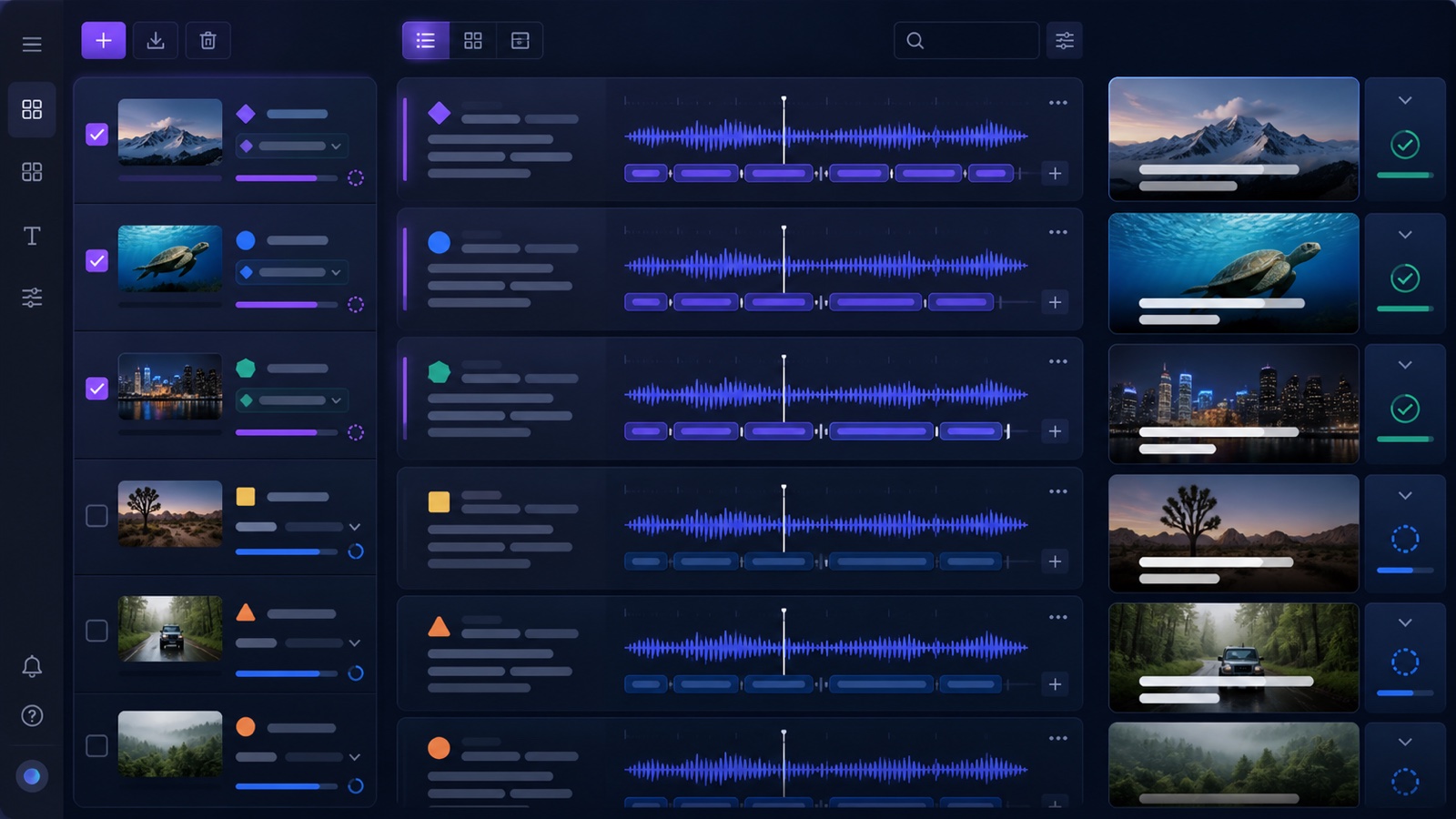
The showcase keeps the media queue, grouped transcript review, and output status visible together. A future batch subtitle tutorial will automatically appear above it.

Conceptual Motion Workbench batch subtitle interface with multiple media clips, waveforms, grouped segments, and caption outputs
Conceptual product visualization of the batch subtitle workflow.

Workflow map

Queue media, transcribe per file, review, and output.

01Load batchSelect several audio or video sources.
02ConfigureChoose model and language for each item.
03Review groupsEdit the transcript under its source media.
04Create compsApply a preset and build separate outputs.

Why batch

Keep multilingual and multi-clip jobs organized.

Per-file language and model

Use automatic detection or choose a supported language and Whisper model independently for each selected media item.

Grouped transcript review

Inspect and edit the generated segments by source file before creating any After Effects text layers.

RTL-aware output

Arabic, Hebrew, Persian, Urdu, and other supported right-to-left language codes automatically set the caption paragraph direction.

Workflow

From selected media to separate subtitle comps.

  1. Select multiple footage items in the After Effects Project panel.
  2. Load them into Batch Selected Media and choose a model and language per item.
  3. Transcribe locally, then review each grouped transcript.
  4. Choose a caption preset and create the subtitle comps.