CSV dictionary mode
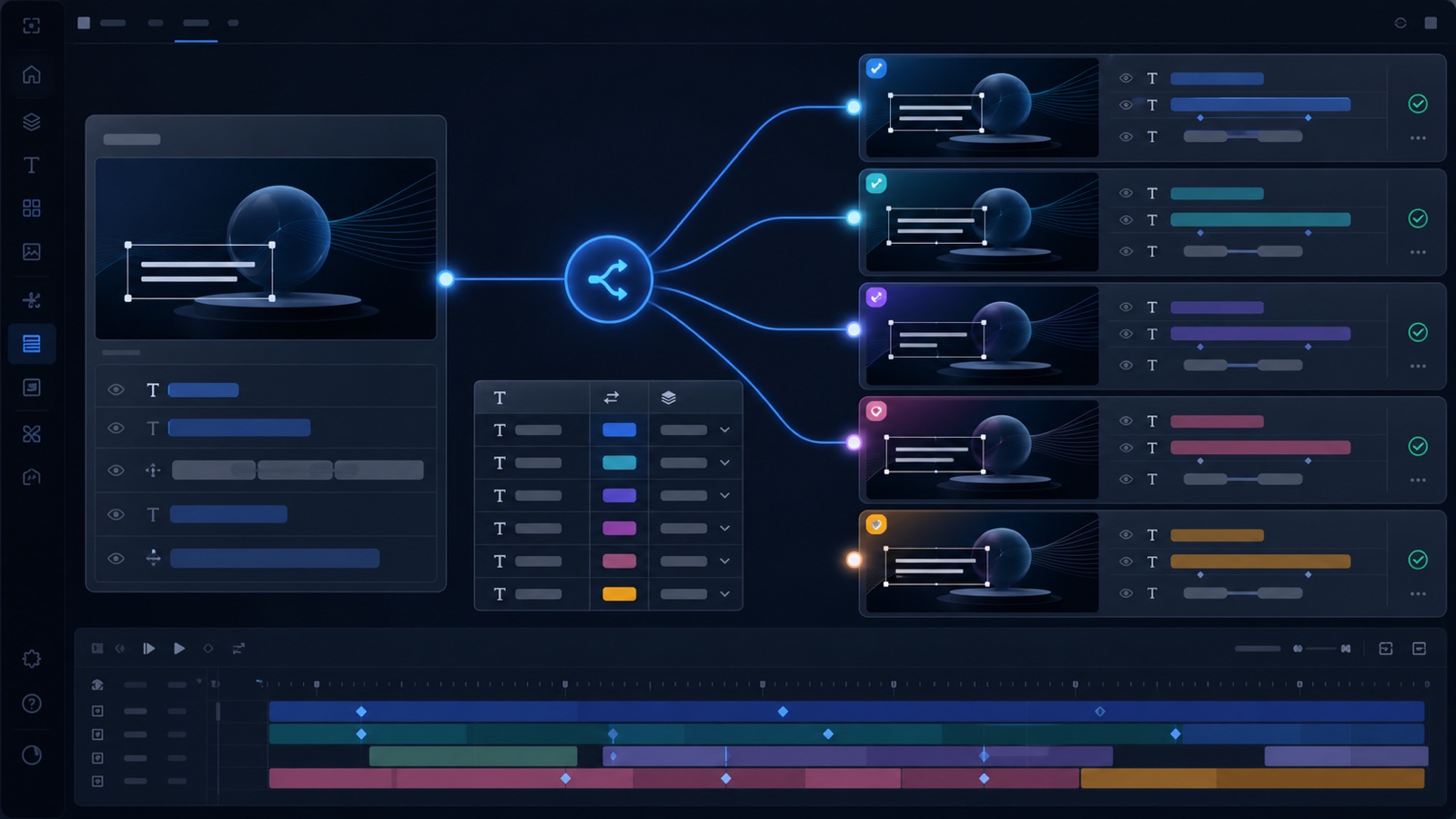
Load a language dictionary, select the source language, choose target languages, and duplicate comps or mirrored folder structures from the Project panel.
 Motion Workbench
Sign up
Motion Workbench
Sign up
After Effects localization
Motion Workbench duplicates selected compositions or folder trees, translates text layers from CSV or AI, renames language tokens, and keeps nested precomps organized for multilingual production.
See the workflow
The showcase visualizes the production flow without replacing the editable After Effects result. A future tutorial will automatically take the first position here.
Workflow map
Workflow
Load a language dictionary, select the source language, choose target languages, and duplicate comps or mirrored folder structures from the Project panel.
Scan selected comps, estimate token cost, translate text layers with OpenAI or Gemini, and preserve brand terms or text that should not be translated.
Language tokens can be renamed anywhere in comp, layer, and source names, including patterns like en_main, main_en_123, and 211_en.mp3.
Process
Related tools