Styles and animated templates
Keep text styling and motion-oriented templates separated so the right option is easier to find during production.
 Motion WorkbenchSign up
Caption preset library
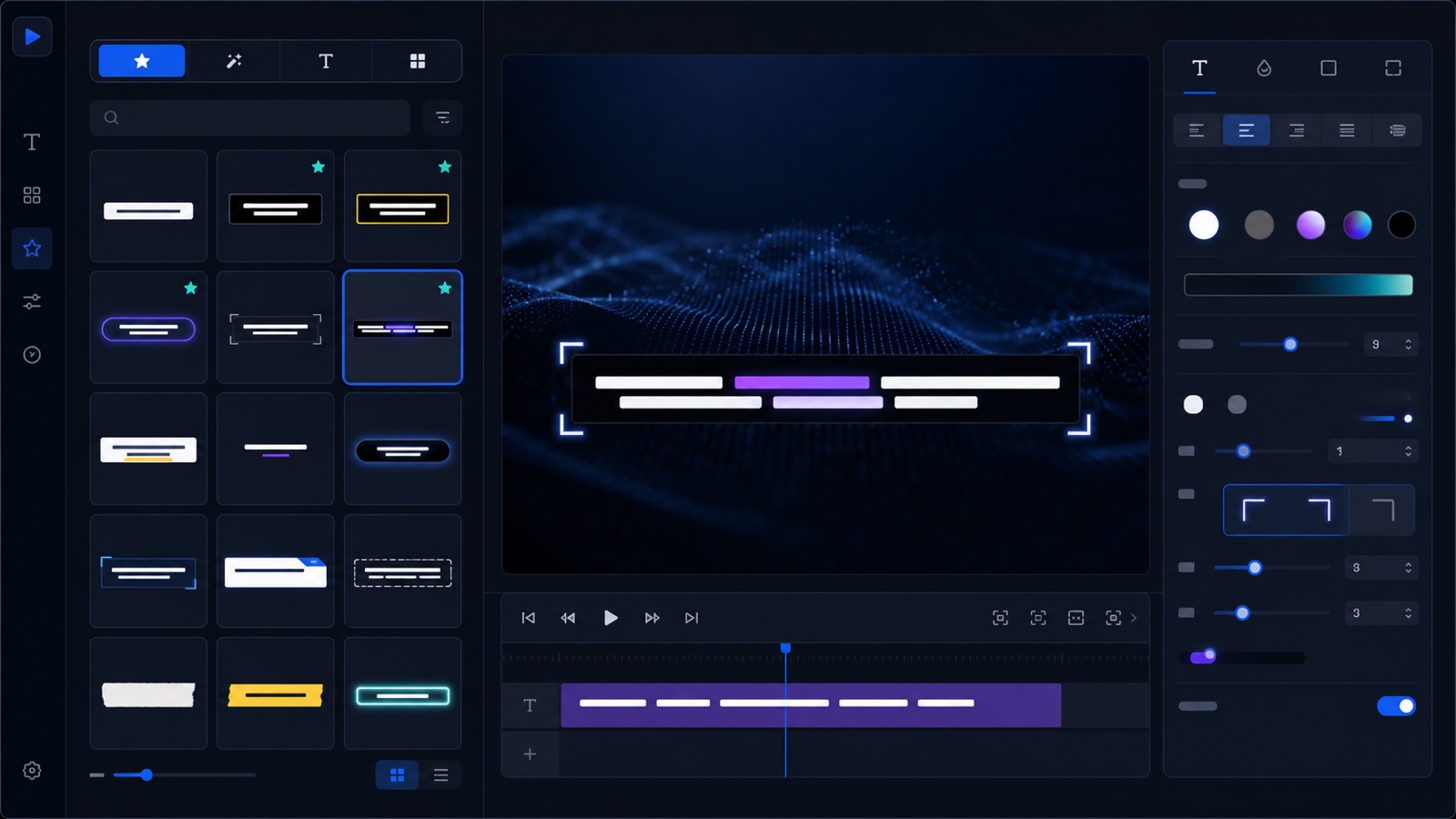
Motion Workbench keeps static styles, animated templates, caption packs, word-highlight presets, and favorites in one library. Preview videos and thumbnails make each preset easier to recognize before you build a subtitle comp.
See the workflow
The showcase presents preset cards, favorites, a selected preview, and style controls as one visual system. A dedicated tutorial will later appear first.
Workflow map
Preset organization
Keep text styling and motion-oriented templates separated so the right option is easier to find during production.
Use packaged caption presets for complete looks or word-highlight presets for attention-focused short-form captions.
Use thumbnails and MP4 previews to compare motion, then keep frequently used presets together in Favorites.
Move computers safely
Settings Backup includes panel preferences, caption preset metadata, and favorites. Installer starter content supplies preview assets, while path migration reconnects imported preset records to the current computer.