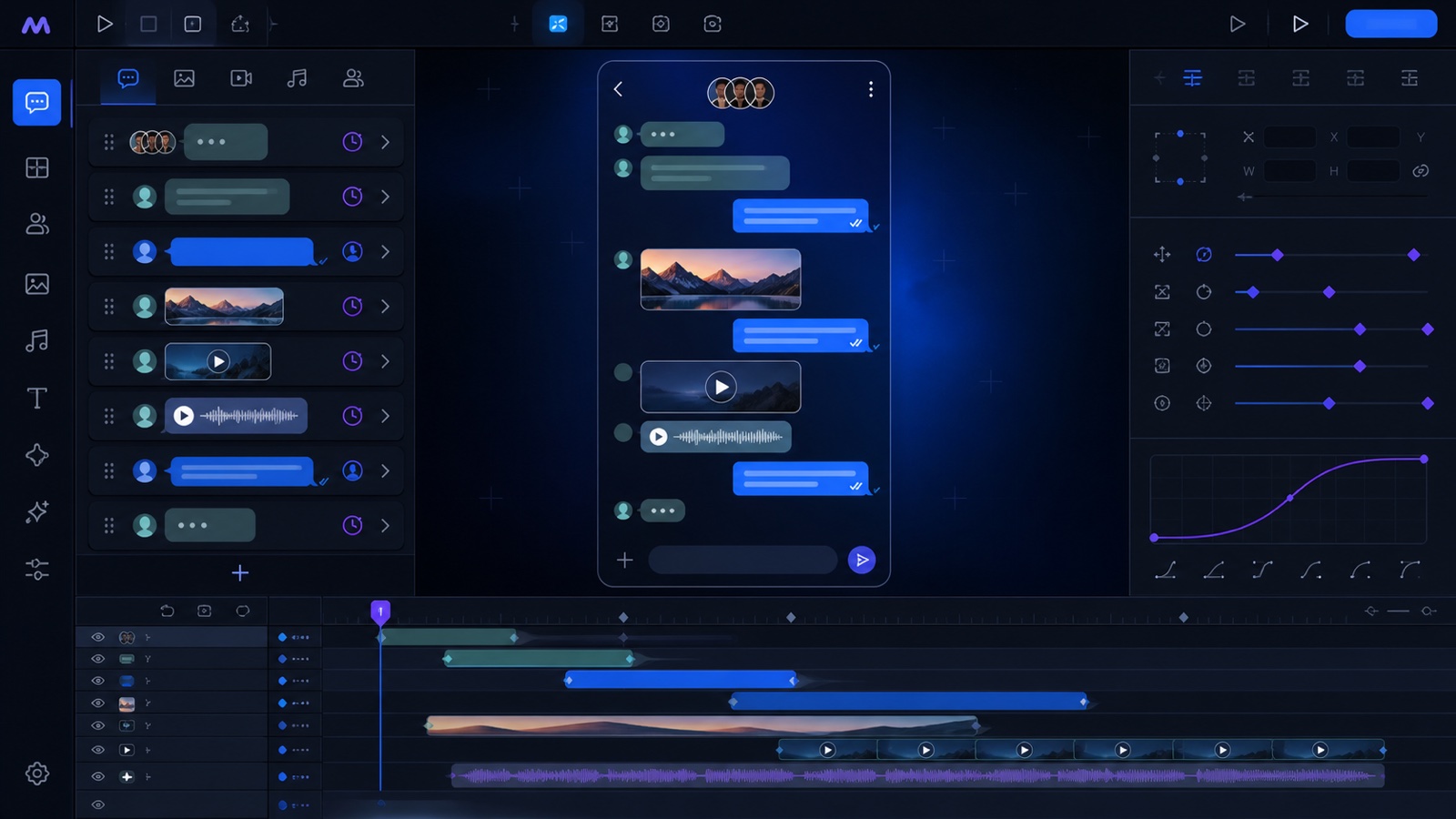
WhatsApp-style chat builder

Build editable chat scenes directly in After Effects.

Create direct or group conversations, add timed text and media messages, select project assets for avatars and backgrounds, and generate a structured composition ready for animation and localization.

WhatsApp Chat BuilderGroup chat
Incoming · 00:01.2Text message with quote
Contact 1
Outgoing · 00:03.5Video bubble · play on appear
You
Incoming · 00:07.0Audio bubble · 4.2 seconds
Contact 2

See the workflow

Messages become editable, timed motion layers.

The showcase connects the message builder, direct or group conversation preview, media bubbles, and timing controls. A future tutorial will be placed above this permanent overview.

Conceptual Motion Workbench chat mockup builder with message flow, group conversation, media bubbles, and motion timeline
Conceptual product visualization of the chat mockup workflow.

Workflow map

Define the scene, add messages, set timing, create the comp.

01Set the sceneChoose layout, people, avatars, size, and language.
02Add bubblesUse text, image, video, audio, and quoted messages.
03Time the flowSet message clocks, durations, and keyboard behavior.
04Create compGenerate editable layers for final animation.

Editable mockups

More than a flat chat screenshot.

Direct and group chats

Set contact names, group members, per-person avatars, composition size, duration, frame rate, and the starting clock.

Text and media bubbles

Add text, image, video, or audio messages, choose incoming or outgoing direction, attach captions, and quote earlier messages.

Timeline-ready details

Control message times and durations, optionally animate the keyboard, add incoming and outgoing sounds, and choose whether video freezes or plays.

Creative workflow

Turn a message script into a reusable composition.

  1. Choose direct or group chat and define the composition format.
  2. Select avatars, background, optional sound effects, and language code.
  3. Add messages with sender, type, media, clock, and timeline timing.
  4. Create the chat comp, then refine the editable layers in After Effects.