Telegram media inbox
Use your own bot token and an allowlist of Telegram user IDs. Received files can be confirmed and imported into the active After Effects project.
 Motion WorkbenchSign up
Remote production
Connect your own Telegram bot for an allowed-user media inbox, watch long render folders for stable outputs, receive completion notifications, and send finished files to reusable Google Drive destinations.
See the workflow
The showcase explains the full remote production path in one view. When the tutorial is ready, it will lead the section while this operational overview stays underneath.
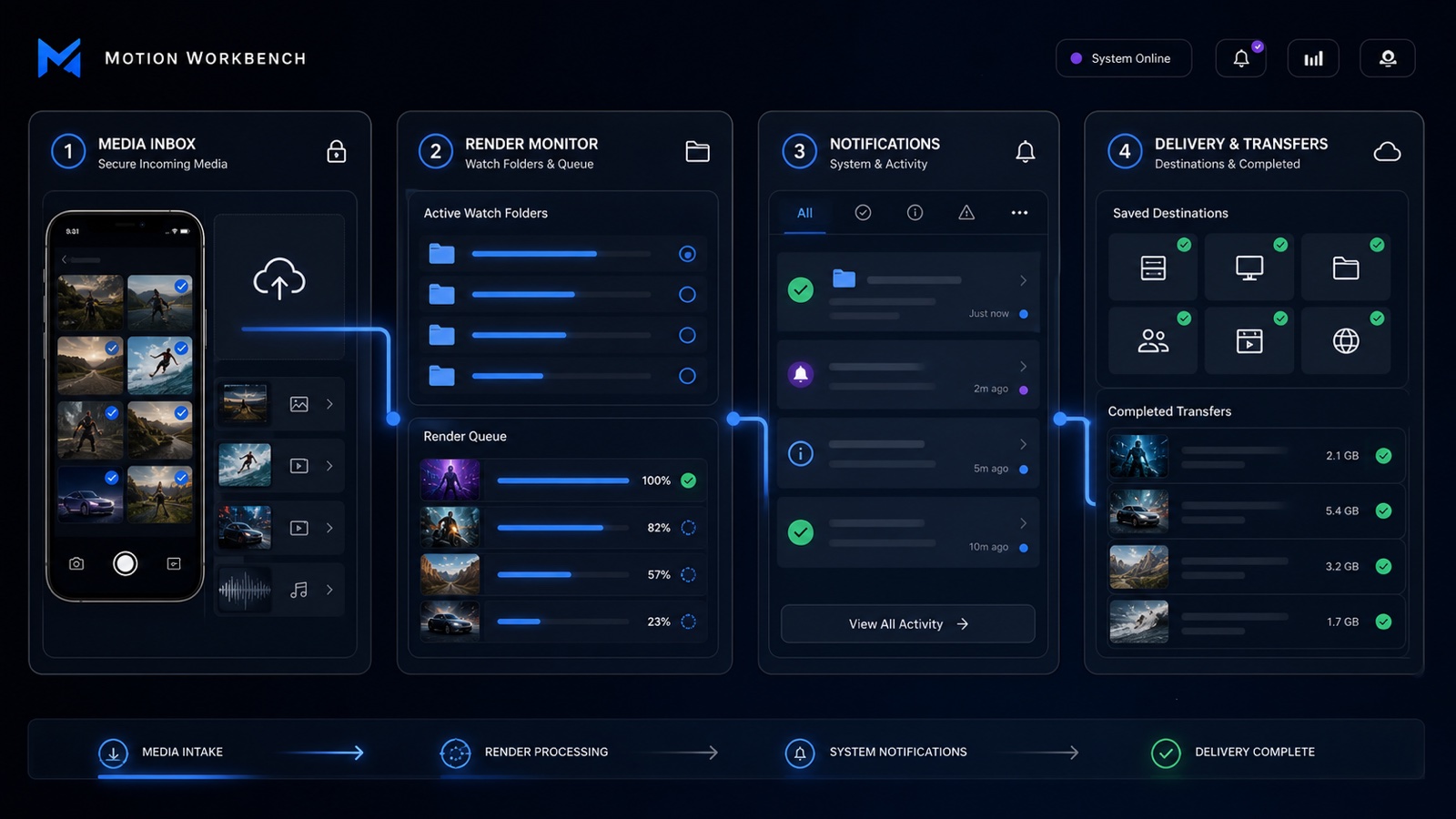
Workflow map
Connected workflow
Use your own bot token and an allowlist of Telegram user IDs. Received files can be confirmed and imported into the active After Effects project.
Watch an output folder, define the expected file count, and wait for repeated stable checks before a completion notification is sent.
Connect a Google OAuth desktop client and save named upload destinations for recurring client, campaign, or review folders.
Security notes
Only IDs you allow should interact with the Telegram bot. Third-party tokens and OAuth credentials are configured on the local computer and can be included only when you intentionally create a Secret Backup.